
Webflow templates: how to choose one (and when to go custom)

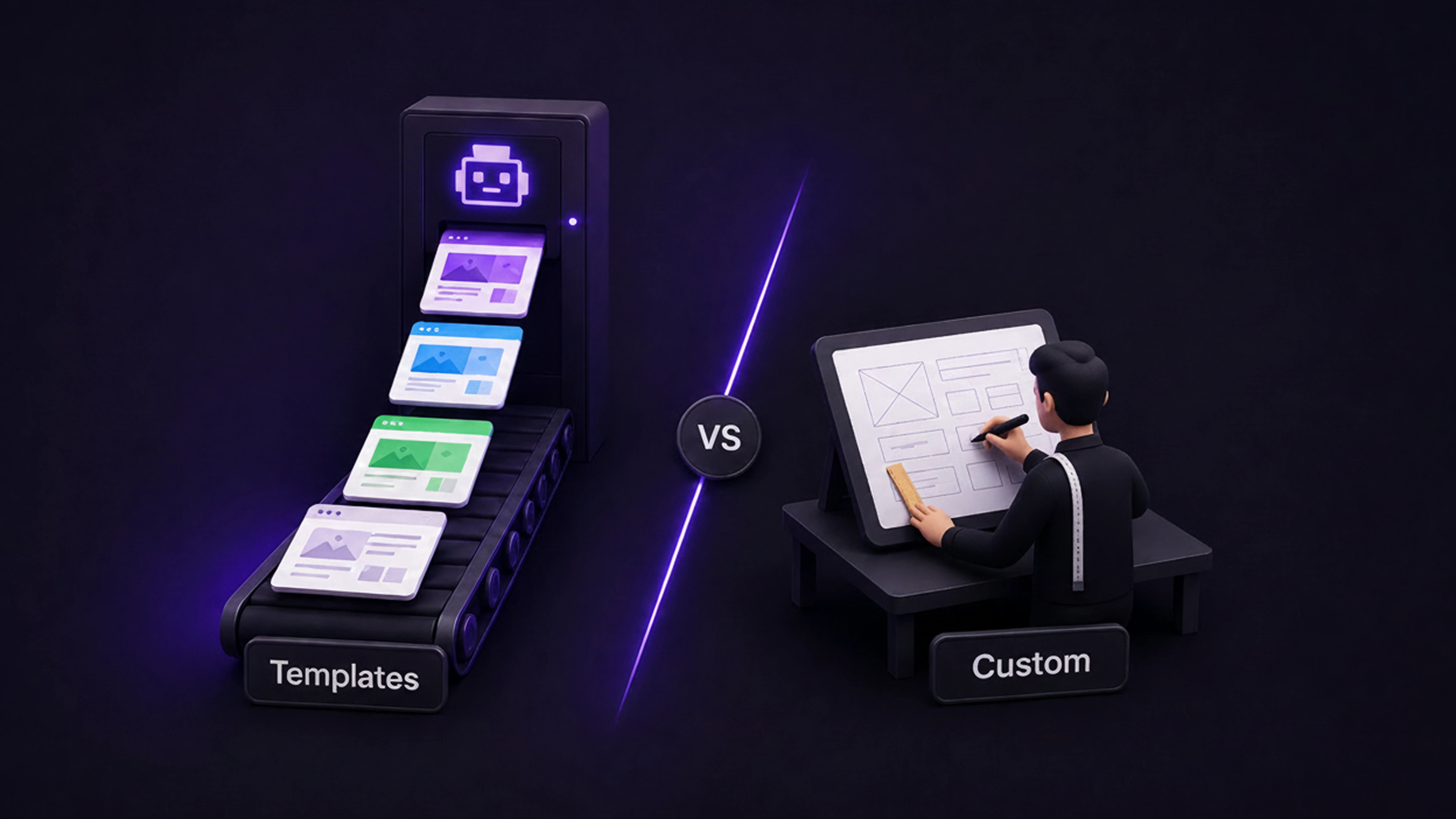

A good Webflow template saves you time and money while a bad one costs you both in a rebuild later. The screenshot is the least important part. What matters underneath is does it fit your use case, is the CMS set up properly, is it fast on mobile, and are the classes clean enough to edit easily. Buy from the official Marketplace when you can, and know when your needs are specific enough that custom is the better call.
A template is a foundation, not a finished site
A Webflow template is a pre-built site you clone into your account and customize. The good ones give you a professional starting point and save weeks of work. The bad ones look great in the screenshot and then fight you the moment you try to make them yours.
The mistake most people make is choosing on looks alone. The design you see is the easy part to change, colors, fonts, images, copy. What’s hard to change is the structure underneath: how the CMS is set up, how clean the code is, how well it holds together on mobile. That’s what actually determines whether a template saves you time or costs you a rebuild.
What to check before you buy
Here’s what to look at, roughly in order of importance. Most template regret comes from skipping these. Run through them before you spend anything
Start with your use case, not the gallery
Before browsing a single template, get clear on what your site needs to do. A template built for one purpose rarely fits another well.
A SaaS or software site needs pricing tables, feature sections, space for product screenshots, and a CMS blog for content marketing. A portfolio needs to put visual work first, with strong project layouts and minimal distraction. An agency or service site needs service pages, case studies, and a clear contact path. An online store needs proper product, cart, and checkout structure.
Browsing by category from the start saves you from falling for a beautiful template that’s built for the wrong job. A stunning portfolio template will never become a good SaaS site without a full rebuild, and at that point the template saved you nothing.
Check the CMS setup first
This is the single most important technical thing, and it’s the one most people skip.
Webflow’s CMS is what lets your content scale: blog posts, case studies, team members, products, all managed cleanly. A template with a properly built CMS has collections already wired up with the right fields (author, category, date, slug for a blog, for example). A template without that, or with a fake “blog” that’s just static pages, will force a rebuild the moment you start publishing seriously.
Before choosing, check exactly what CMS collections the template includes and whether they match what you’ll publish. If you plan to run a content operation, and most businesses should, this matters more than any visual feature. A great-looking template with a weak CMS is a trap.
Test the live preview properly
Every template on the Webflow Marketplace has a live preview. Use it, and don’t just look at it on your desktop.
Open the preview on your phone. A large share of visitors will see your site on mobile first, and many desktop-pretty templates fall apart on small screens. Check that layouts hold, text stays readable, and nothing overflows. Then check speed, run the live preview through a tool like Google’s PageSpeed Insights and aim for a strong score. A slow template frustrates visitors and hurts your search rankings, and heavy templates loaded with uncompressed images and excessive animation are slow from day one.
Five minutes in the live preview, on a phone and through a speed test, tells you more than any screenshot.
Look at the structure, not just the style
This one’s less obvious but it’s what separates a template you can actually edit from one you’ll struggle with.
A well-built template uses clean, logically named CSS classes and Webflow’s global styles and variables, so you can change colors, fonts, and spacing across the whole site in a few clicks. A badly built one has messy, inconsistent classes that make every edit a guessing game. You can’t always see this from the preview, but template descriptions, reviews, and the designer’s reputation give you signals. Templates that mention clean class naming, global variables, and Webflow best practices are usually safer.
The test is simple: a good template should make it easy to change anything. If editing feels like fighting the build, the template was made to look good in a screenshot, not to be used.
Buy from the official Marketplace when you can
You can get Webflow templates from the official Webflow Marketplace or from third-party designers and template clubs. Both can be good, but they carry different risk.
The official Marketplace vets templates for quality and code standards, every template has a live preview, and support is more reliable. Third-party templates sometimes offer more unique designs or specialized focuses, but you need to verify they’re actively maintained and that the seller provides support before buying. Template subscriptions can be cost-effective if you’re launching several sites, but only if the quality holds up.
As a default, especially if you’re not confident judging a build yourself, start with the official Marketplace. The quality floor is higher and you’re less likely to end up with something abandoned.
A note on price: template prices change often, and they range from free to a few hundred dollars. Any number you see in a roundup article (including this one) is a snapshot, so check the current price on the Marketplace before buying. As a rough guide, paid templates generally offer better design quality and more complete page sets than free ones, but Webflow’s own free templates (like its SaaS and Startup starters) are technically solid for an MVP.
Know when a template isn’t the answer
Templates are the right call for a lot of situations. But they’re not always, and it’s worth being honest about when custom is the better investment.
A template works well when your needs are fairly standard, you want to launch fast, and budget is tight. It struggles when you need something specific, a unique brand expression, custom functionality, a complex content structure, or a design that genuinely sets you apart. Forcing a template to do something it wasn’t built for often costs more in workarounds than custom would have cost up front, and you still end up with a compromise.
The honest rule: if your site is fairly standard and speed matters most, a good template is smart. If your site is core to how your business competes, and the design and structure need to be exactly right, custom is usually the better long-term investment. Plenty of companies start on a template and move to custom once they’ve outgrown it, and that’s a perfectly sensible path.
The short version
Choosing a Webflow template comes down to looking past the screenshot. Match it to your use case, check the CMS setup, test the live preview on mobile and for speed, and favor clean structure and the official Marketplace. And know the limits: a template is a fast, affordable foundation, but when your site needs to be genuinely distinctive or do something specific, custom is what gets you there. Choose with that in mind and a template can save you real time. Choose on looks alone and you’ll be rebuilding by next quarter.

Unlock the power
of
today